PIQY gives ready2order a kitchen display
Orders from your POS show up at once in the kitchen and at the bar, not as tickets from the printer. Each station sees only what it needs to prepare.
Get StartedThese kitchens work with PIQY
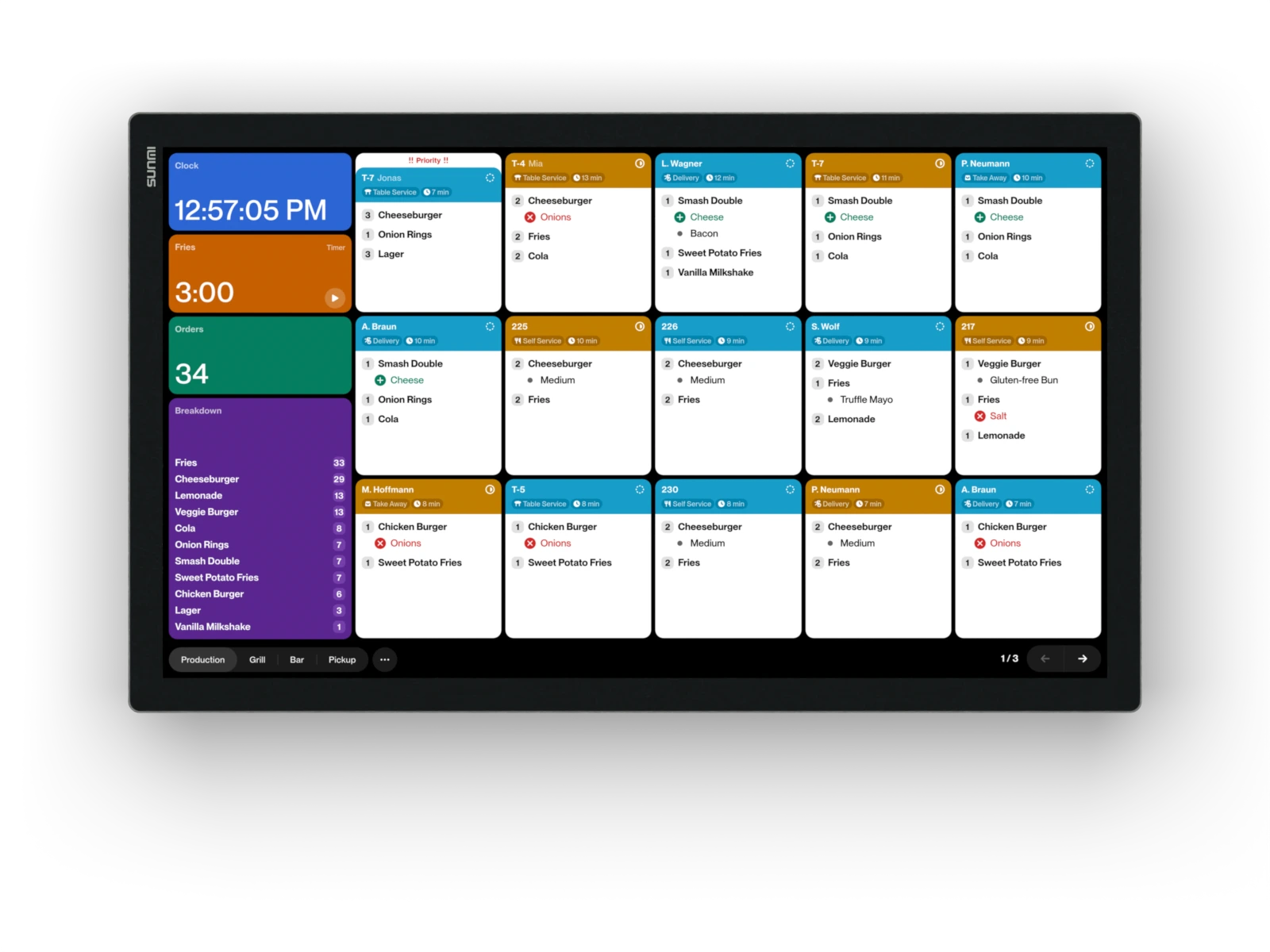
Each station sees exactly the orders from ready2order that it needs to prepare
Your product groups from ready2order decide what shows up where, for example burgers at the grill and drinks at the bar. Sides, table numbers, and cancellations come with them. When something is ready, your team taps a button, and the order moves on.
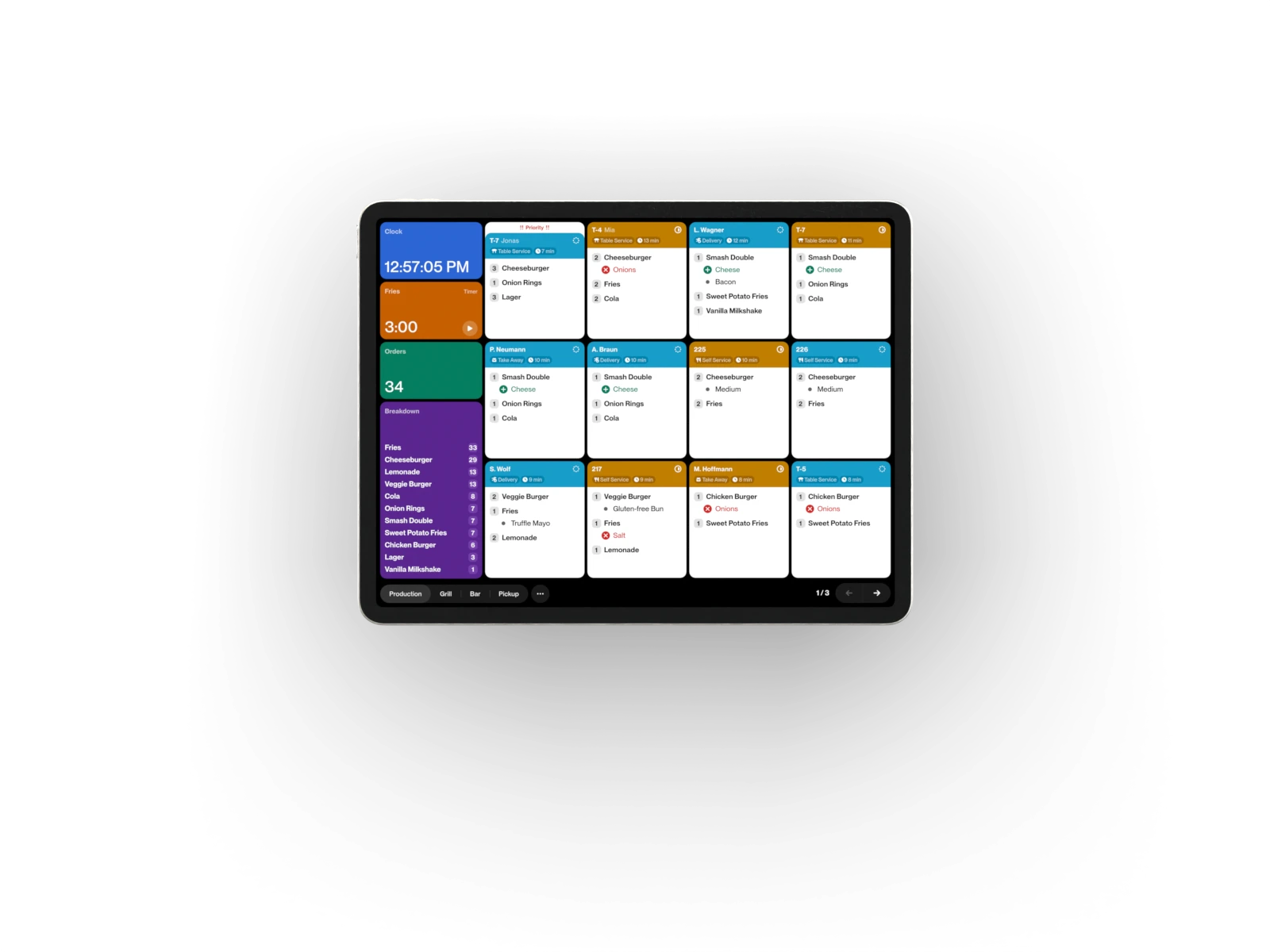
Views. Create as many as you need, and show each one on the devices where it is needed. Every view filters by data from the POS and by status. If a device has several, your team switches with one tap.
Actions. The buttons on the device. An action sets the status of an order or checks off items. You decide which buttons there are.
Status. The steps of your workflow, as many as you need. When the status changes, the order leaves one view and shows up in the next.
The pickup display shows your guests when their order is ready
A pickup display can show numbers. Or it can sell, inform, and make your service better.


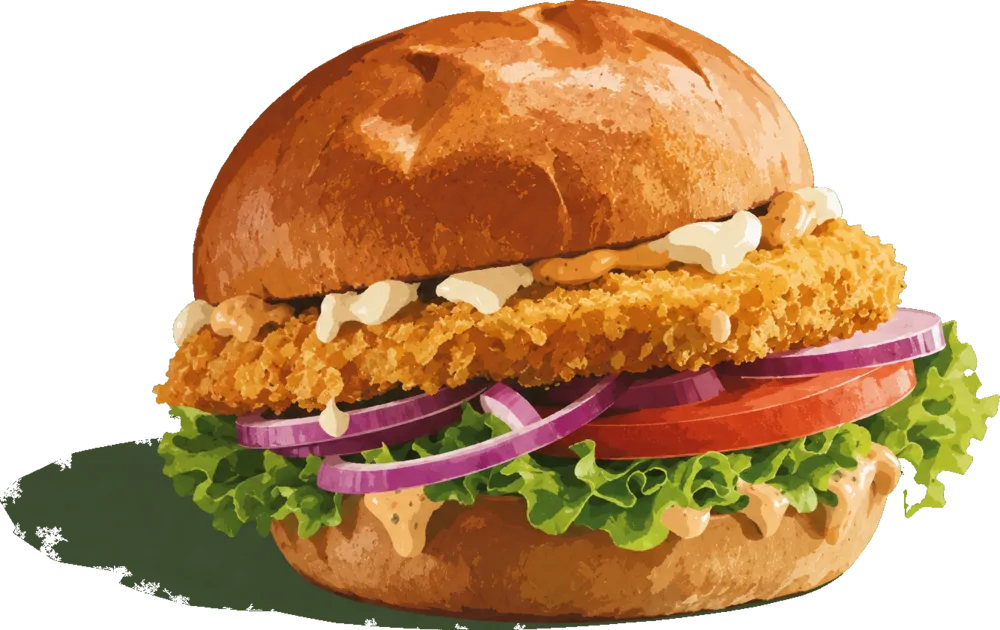

Split the screen the way you want, for example your lunch offer on the left and the pickup numbers on the right. Fonts and colors match your look. The pickup display uses the same filters as the kitchen, so every finished order shows up by itself.
PIQY runs on iOS and Android, also on devices you already have
For the bar, an iPad is enough. For the kitchen, we recommend devices that are built for restaurants, or a computer for screens you already have.
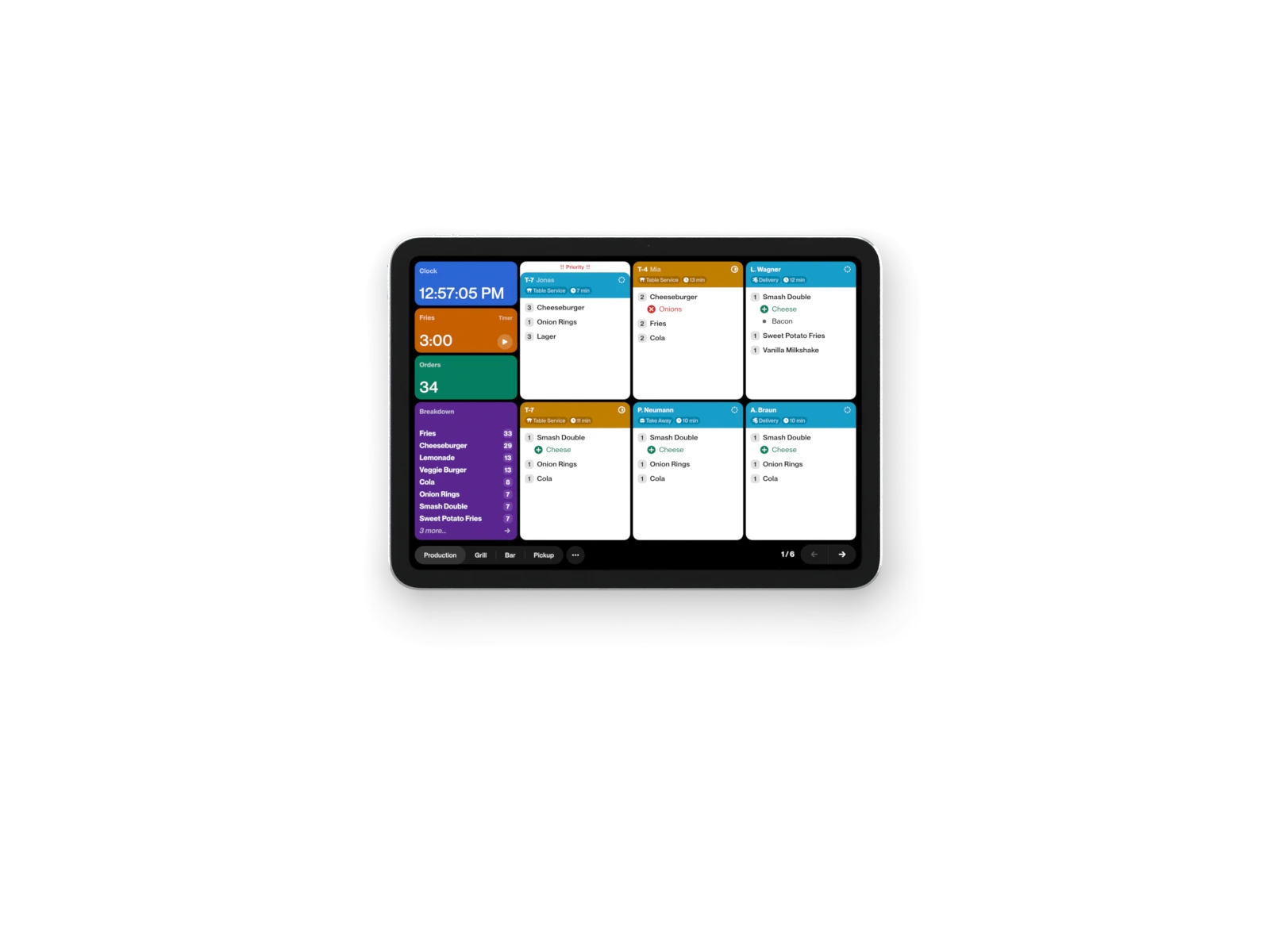
iPad. For the bar and small stations. A standard iPad is enough, also one you already have. On the iPad, you see 6 tickets at a glance.On the iPad Air 13″, you see 12 tickets at a glance.
Buy iPad.From €420 excl. VATFrom €849 excl. VAT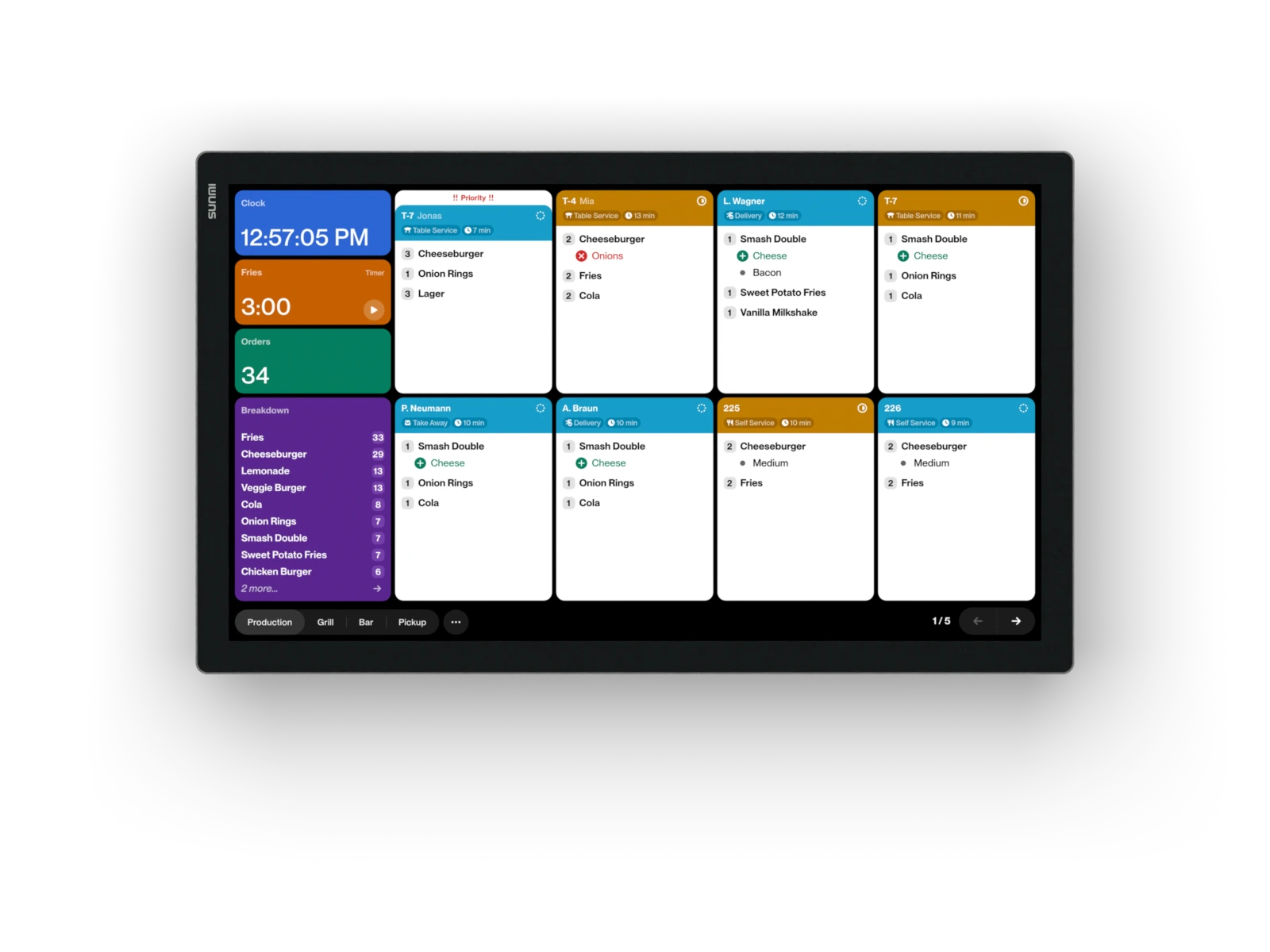
SUNMI FLEX 3. For the kitchen. Works with wet hands and gloves, splash-proof, and made for the wall. On 18.5″, you see 8 tickets at a glance.On 22″, you see 15 tickets at a glance.
Buy SUNMI FLEX 3.From €999 excl. VATFrom €999 excl. VAT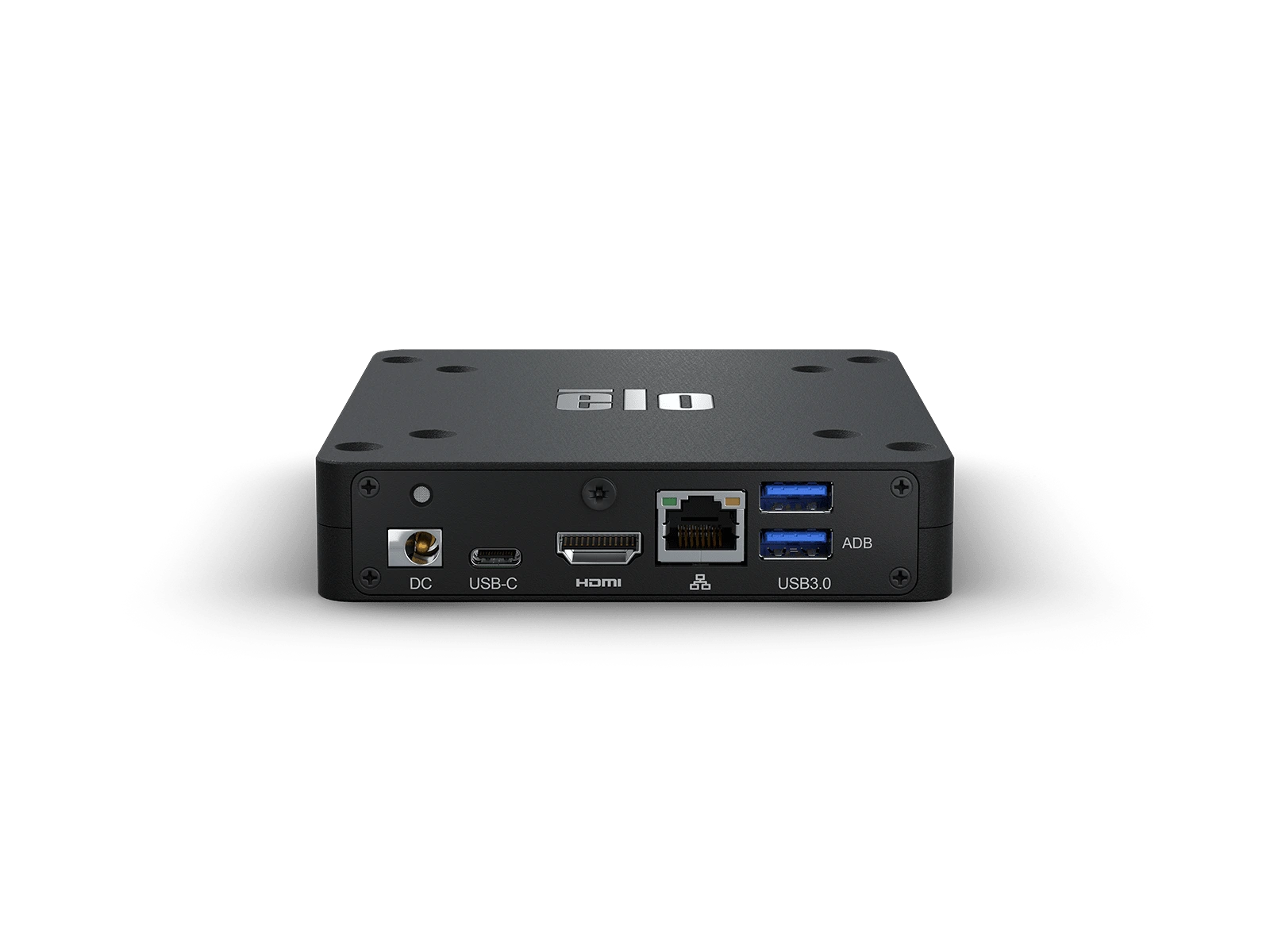
Elo Backpack 5. The computer for any screen. Turns TVs, monitors, and touch screens with HDMI into a kitchen or pickup display, also the ones you already have.
Buy Elo Backpack 5.€529 excl. VAT
Frequently asked questions
Does ready2order have its own kitchen display?
No. ready2order sends orders to ticket printers. PIQY adds screens for the kitchen and the bar to your POS.
Which data from ready2order does PIQY show?
Every item with its sides and variants, the table number, takeaway orders, and cancellations. When your service team cancels in ready2order, the ticket on the screen changes at once.
Do I still need print profiles and ticket printers with PIQY?
No. Your product groups from ready2order decide what each station sees on its screen. You no longer need a ticket printer for each station.
What do I need for PIQY with ready2order?
Your ready2order account, internet, and one device for each station: an iPad, an Android tablet, or a TV or monitor with the Elo Backpack, a small computer that goes behind the screen.
Does PIQY with ready2order work without internet?
New orders come from ready2order to PIQY over the internet, so they need internet. If it goes down, your team can keep working on the orders that are already there, because the devices in your kitchen are connected over your Wi-Fi.
Does PIQY also have a pickup display?
Yes. The pickup display is a screen for your guests: ready orders show up there with their number, in your colors and fonts.
What does PIQY cost with ready2order?
PIQY costs from €59 a month for the first device at a location, and each additional device costs less. A pickup display costs from €29 a month. All prices excl. VAT.